Your betting app crashed during a live match, the cache clear didn’t help, and now you’re staring at an empty home screen wondering where to get a clean copy. That moment of frustration is exactly when people make mistakes – grabbing the first file they find, skipping the verification steps, or rushing through permissions. This guide walks through the complete 1xBet app setup honestly, including the parts that trip people up.
Getting the File and Installing It
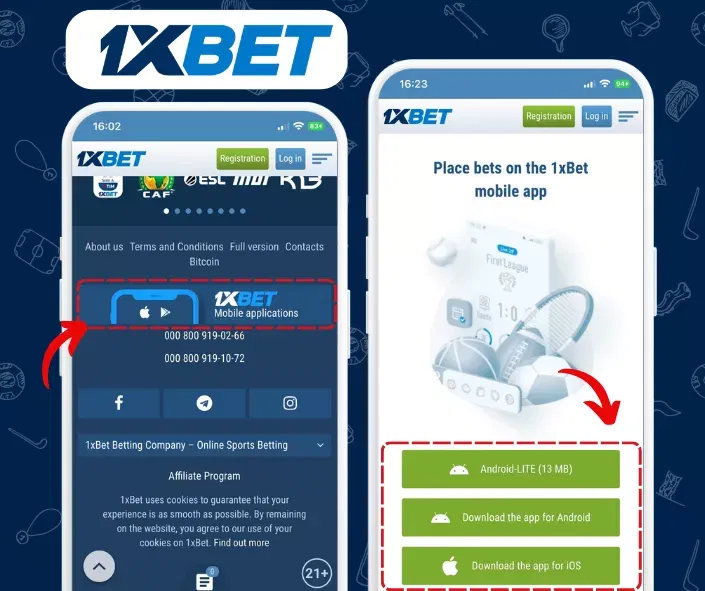
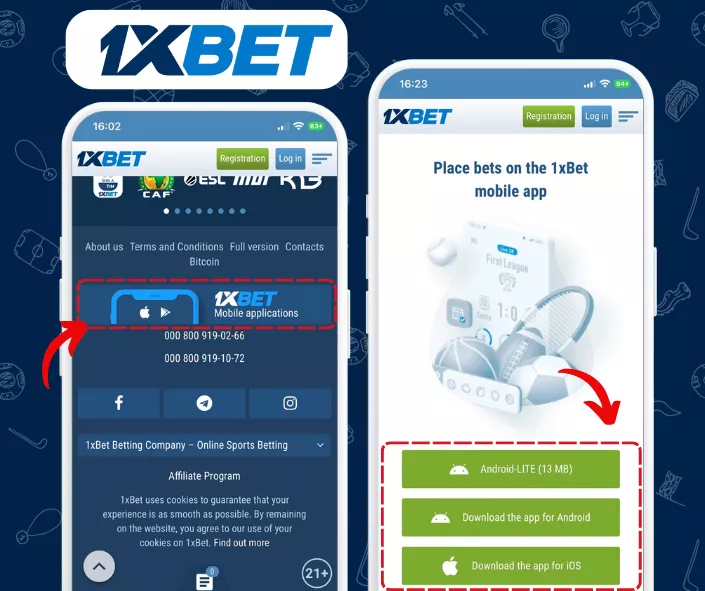
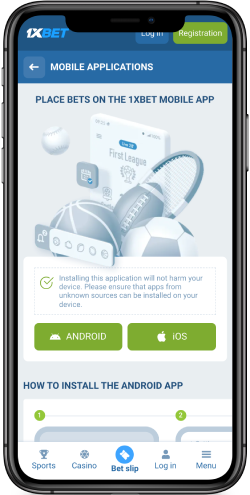
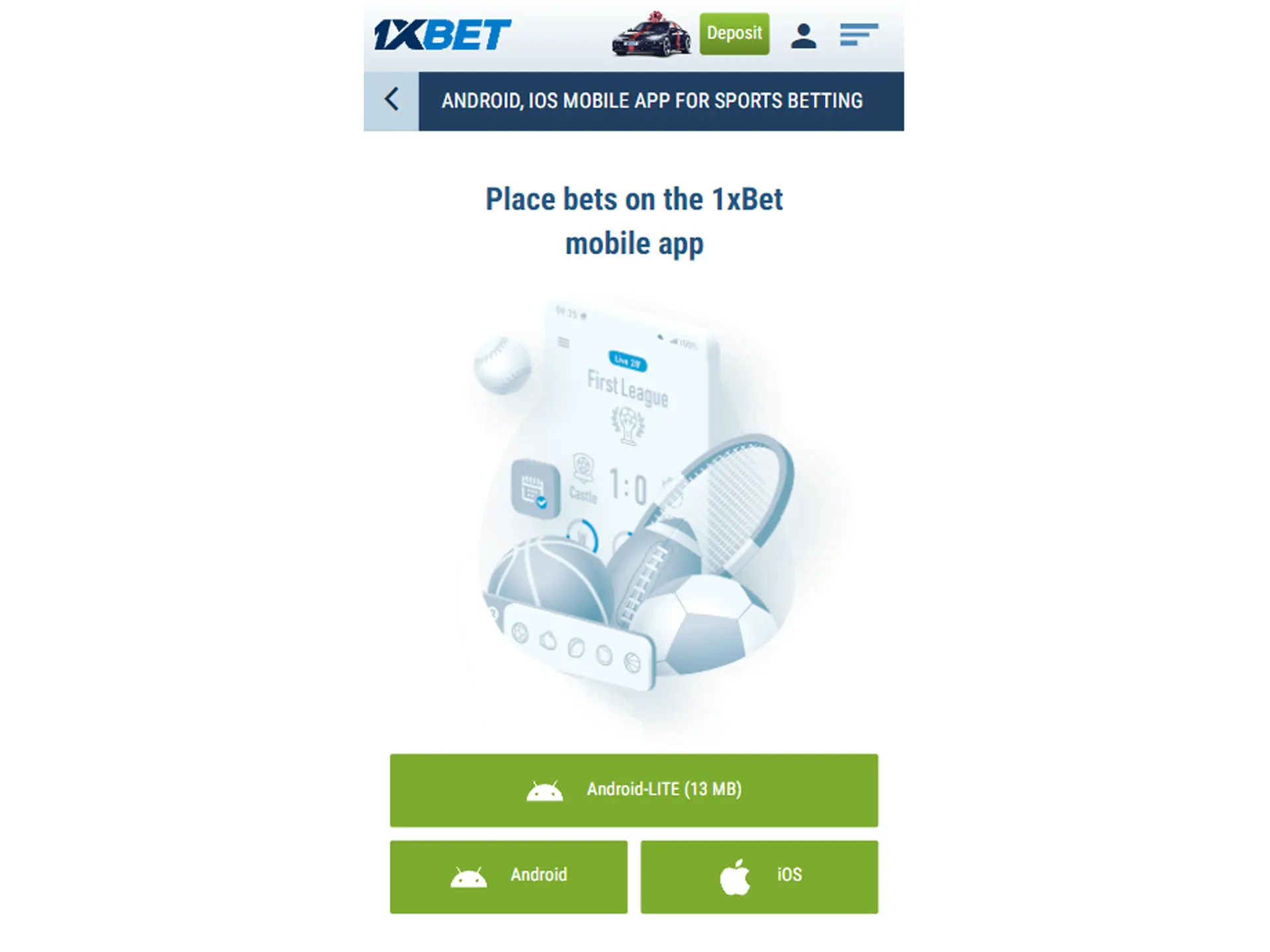
The 1xBet Android application doesn’t come through the Play Store in most regions, so you’re dealing with an APK file – the package format Android uses for direct installations. Start by finding the download link on the operator’s mobile site using your phone’s browser. Before you tap anything, check that the page actually belongs to the betting company by looking at the domain carefully; fake sites often use similar-looking addresses with extra words or hyphens.
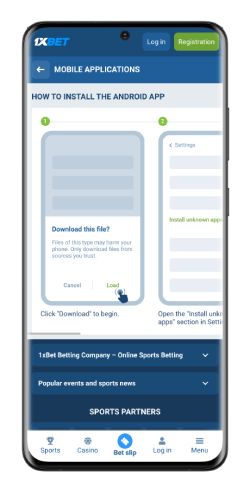
Once you have the 1xbet app file for android phones downloaded, open your file manager and locate it in the Downloads folder. Tap the file, and Android will likely block the action with a security warning. This is normal. You’ll need to grant your browser or file manager permission to install unknown apps – a setting that lives in your Security or Apps menu depending on your Android version. Toggle it on for the specific app you’re using to open the file, then return to the APK and tap Install.
After installation completes, revoke that unknown-sources permission immediately. Go back to the same settings menu and turn it off. This single habit prevents most malicious software from sneaking onto your device later. When you first launch the app, log in with your existing account or create a new one, then check for any pending updates before placing bets.
Keeping the Application Current
Betting apps change constantly – odds formats shift, payment methods update, and security patches roll out. The 1xBet app typically notifies you when an update is available, but you can also check manually by visiting the same download page you used initially. Download the newer APK file and install it over the existing version. Android handles this as an update rather than a fresh install, preserving your login session and app preferences.
However, if you uninstall the app completely before installing the new version, you might lose locally stored data like saved login details or cached settings. The app stores this information on your device, not on the server. Also, if you ever see an error message about certificate mismatches during an update, it means the new file was signed with a different security key than the original installation. In that case, you must uninstall the old version first, accepting that local data loss, before the new file will install.
What You Can Actually Do Inside
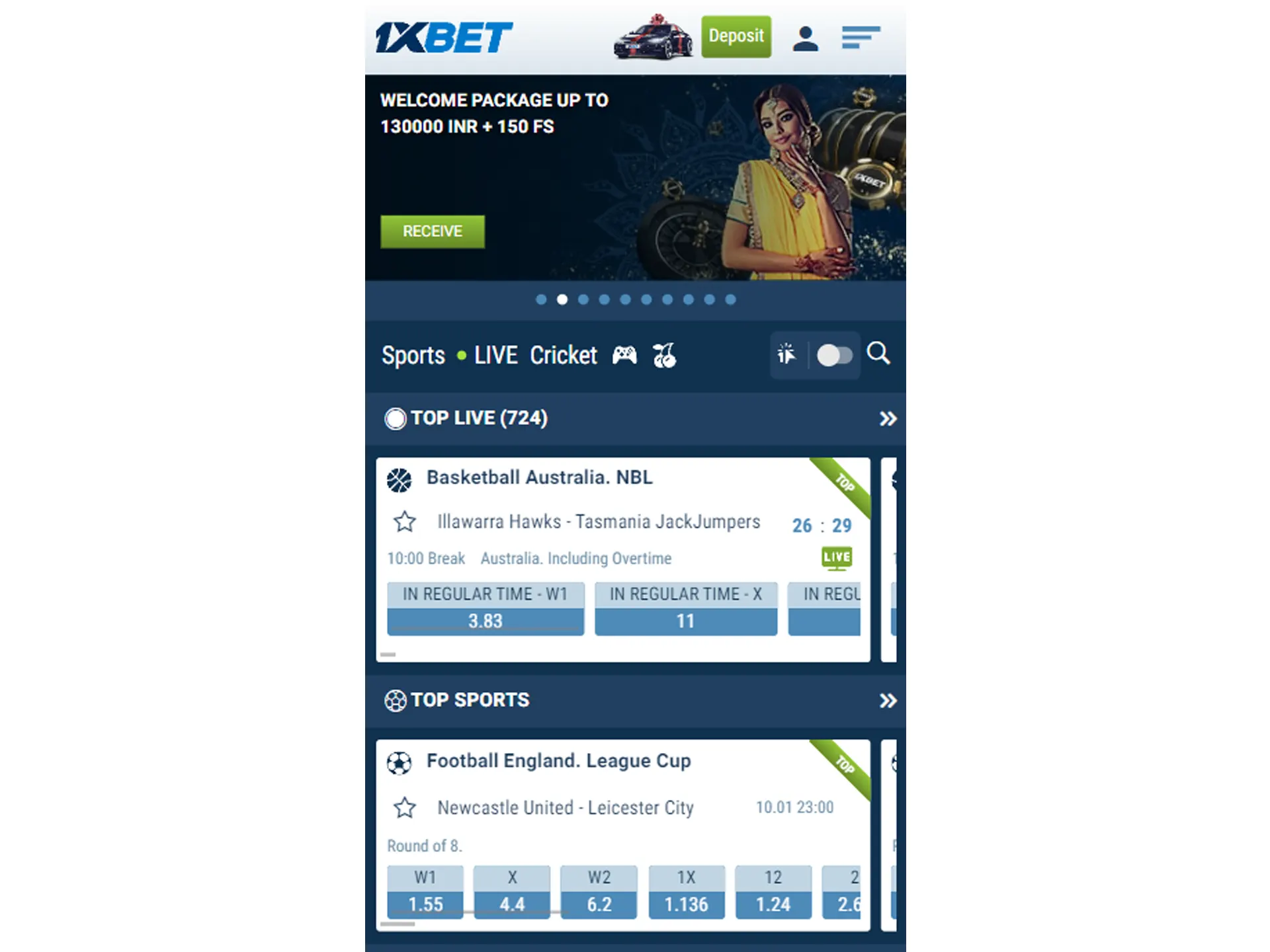
The app packs the full betting operation into a mobile interface. The sports section covers pre-match markets across dozens of disciplines, from football and tennis to less mainstream options. Live betting updates odds in real time as matches progress, letting you place wagers while watching the action unfold. The casino section offers slots, table games, and live dealer rooms, though the exact selection varies by your location and the current app version.
Account management happens entirely within the app. You can deposit funds using various payment methods, request withdrawals, and check your transaction history without switching to a browser. The bet slip stays accessible while you browse different markets, and cash-out options appear on eligible live bets. Availability of specific features – like streaming or certain payment processors – depends on your region and account status.
- Live streaming for selected events when available in your region
- Quick bet options for one-tap wagering at preset stakes
- Detailed statistics and match trackers for informed betting
- Customizable notifications for match starts and odds changes
When Things Go Wrong and the Browser Option
Installation failures usually stem from three causes: insufficient storage space, an Android version too old for the current app build, or corrupted download files. Clear space if your phone is nearly full, check that your operating system meets the minimum requirements listed on the download page, and delete partial downloads before trying again. If the app installs but crashes on launch, clearing the app cache from your Android settings often resolves conflicts.
Security software sometimes flags betting apps as potentially unwanted programs. This doesn’t necessarily mean the file is malicious, but it does mean you should verify you’re installing the genuine article. Researching avoiding scams helps you distinguish between legitimate security warnings and actual threats. If the installation repeatedly fails despite troubleshooting, the mobile website offers a viable alternative.
The browser version requires no installation, works on any device with a modern web browser, and provides access to the same betting markets and account features. It loads slightly slower than the native app and lacks push notifications, but it eliminates compatibility headaches entirely. Many users keep both options available – the app for daily use and the mobile site as a backup when technical issues arise.

FAQ
Is it possible to set up the 1xBet application without allowing unknown sources?
No. Android requires this permission for any app installed outside the Play Store. You must grant it to your browser or file manager to proceed, though you should disable it immediately after installation finishes.
If I delete the app, will I lose my account?
Your account remains on the company’s servers, but local data like saved passwords and app preferences will be deleted. Reinstalling the app will require you to sign in once more.
Why does updating produce a certificate error?
This happens when the new APK was signed with a different security certificate than your current installation. You must uninstall the old version completely before installing the update, which removes locally stored app data.
Is the mobile website as secure as the app?
Both use encrypted connections for data transmission. The website avoids installation risks entirely, while the app requires careful source verification. Neither is inherently safer if you use legitimate sources and keep your device updated.
Can one account be used across several devices?
Yes, your login credentials work across the Android app, iOS version, and website. However, simultaneous active sessions might be restricted for security reasons, and some features may vary between platforms.